How to register your custom email domain
tldr;
1. Obtain a domain (and register it to a name server)
2. Obtain a mail server
3. Update domain MX record, following the mail server
4. test
+ Add DKIM settings and record
1. Obtain a domain (and register it to a name server)
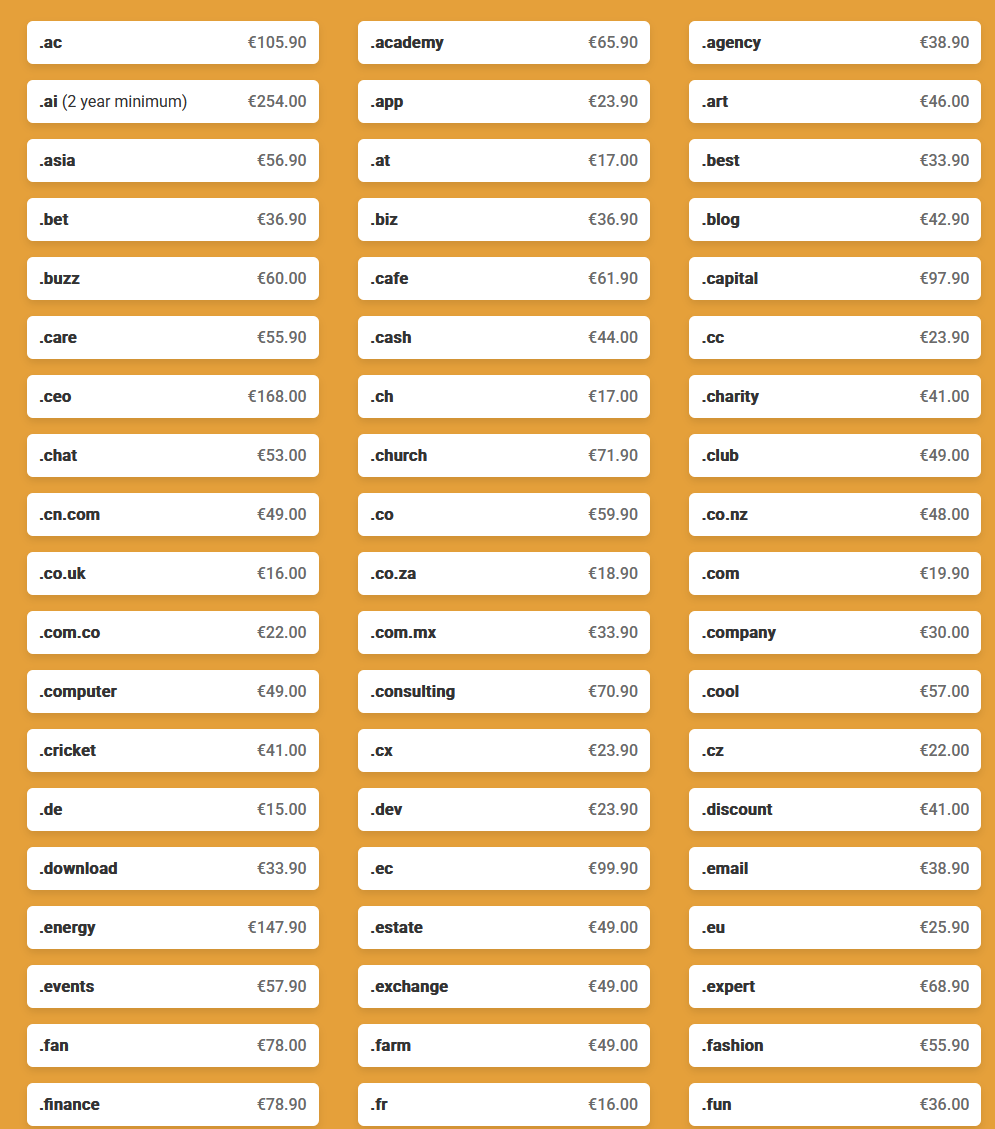
You can purchase domain directly from the domain registry services, or DNS services
*for dani.is, I used iceland domain registry - https://www.isnic.is/en
**for other domains I have, I was using google domain, and the service was transferred to squarespace.
2. Obtain a mail server
I considered setting up own mail server.
However, I had done it a few years ago and it was nightmare to make it usable. The key issue is that it's not seasoned and new, main mail servers we used in the modern world will block it. Plus, when you lose the hardware, or the access to the service(cloud), you lose everything that is connected to your modern identity.
You can use existing services like microsoft office or google.
Or, you can use independent ones.
I used https://1984.is
3. Update domain MX record, following the mail server


4. Test
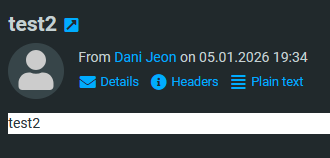
*Iceland uses DDMMYYYY date format.
+ Add DKIM settings and record


